
The LeisureWorld app
More time for the good part.
- Book swims, gym sessions, classes & pitches
- Manage bookings and keep your membership card handy


Prefer to use your browser? Book online
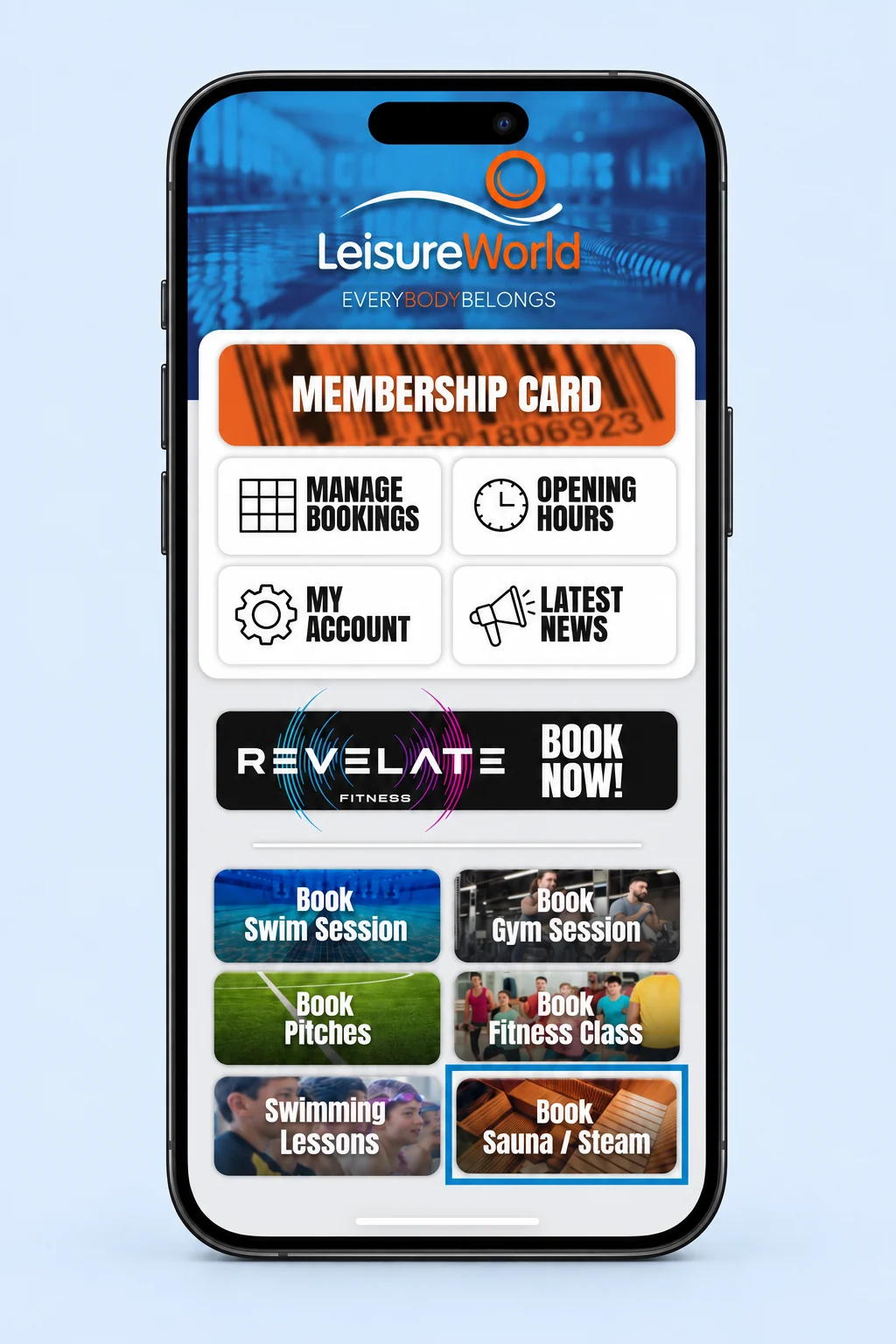
From your phone to your next session.
Get the app.
Download LeisureWorld from the App Store or Google Play using the links above.
Find your centre.
Open the app, choose your centre and sign in or follow its registration steps.
Make a little time.
Choose an activity, check the available sessions and complete your booking.
A little help getting started.
Can I book without the app?
Yes. You can use the online booking service in your browser. Reception can help if you need assistance.
Do I need a membership?
The centres welcome pay-as-you-go visitors as well as members. Check the price and any entry requirements for your chosen activity.
See pricesHow do I manage an existing booking?
Open Manage Bookings in the app or sign in to the browser booking service. For a change you cannot make there, contact your centre.
Contact your centreAre swimming lessons booked in the app?
New children’s lessons start with an assessment. Use the swim school page to choose the right route. Existing swimmers can ask reception about course bookings and progression.
Explore swim school